How to Build and Run the 45-Year-Old DOS Source Code Released by Microsoft
Introduction
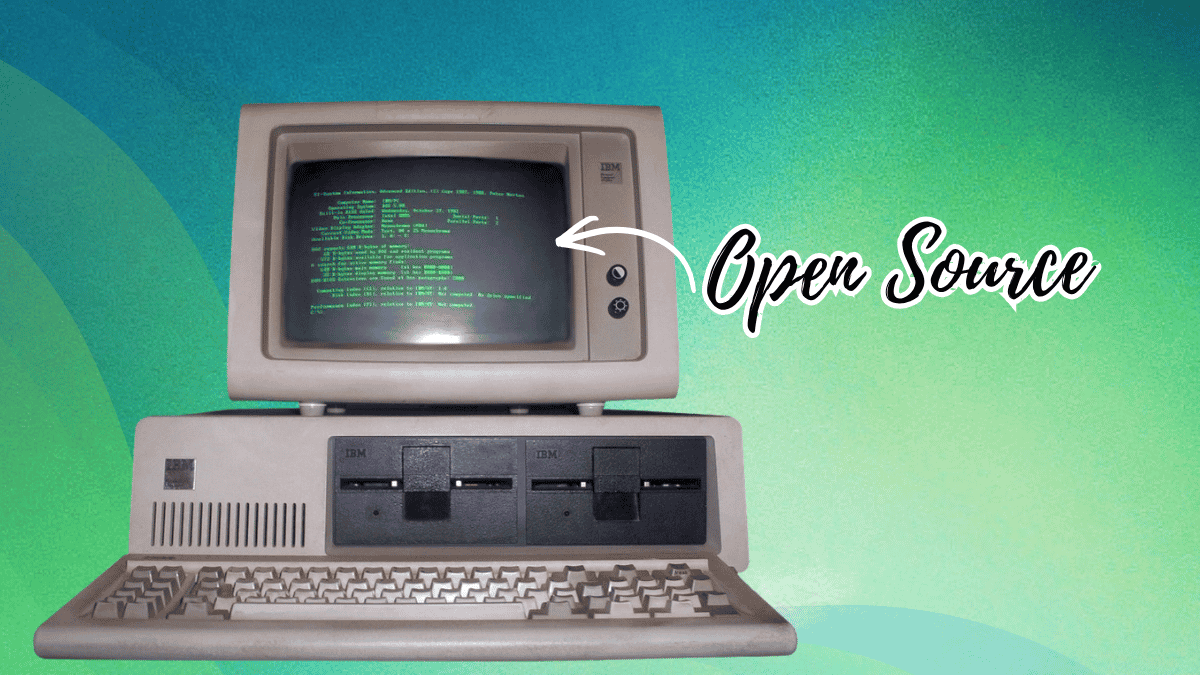
In April 2025, Microsoft marked the 45th anniversary of DOS by open-sourcing the earliest known source code—86-DOS 1.00 and early PC-DOS 1.00 kernels—on GitHub under the permissive MIT license. This historic release allows retro computing enthusiasts, hobbyists, and developers to explore the operating system that launched the PC revolution. Originally written by Tim Paterson in 1980 as QDOS (Quick and Dirty Operating System), the code was stored as physical assembler printouts and continuous-feed paper, later transcribed and compiled by historians Yufeng Gao and Rich Cini. This guide walks you through accessing, compiling, and running this code on modern systems, so you can experience the roots of MS-DOS firsthand.
What You Need
- A GitHub account – To clone or download the repository containing the source code.
- An emulator – Such as DOSBox or 86Box, capable of running early DOS environments.
- The ASM assembler – Originally from Seattle Computer Products, available in 86-DOS or early MS-DOS disk images.
- Basic command-line knowledge – Familiarity with DOS commands and assembly language.
- A text editor – For reviewing or modifying source files (e.g., Notepad++, VS Code).
- Patience – The code is from 1980; expect hardware quirks and minimal documentation.
Step-by-Step Guide
Step 1: Visit the Official GitHub Repository
Navigate to Microsoft's open-source repository for the DOS source code. The README file contains essential build instructions, including the exact version of the ASM assembler required. Bookmark this page for quick reference.
Step 2: Review the README and License
Read the README thoroughly. It explains the history of the code, what files are included (e.g., 86-DOS 1.00 kernel, PC-DOS 1.00 snapshots, utilities like CHKDSK, and the ASM assembler itself), and the MIT license terms. Note any prerequisites for compilation, such as using the correct assembler version.
Step 3: Obtain the ASM Assembler
The source code was written for the Seattle Computer Products ASM assembler. You can extract it from an existing 86-DOS or early MS-DOS disk image. Sources:
- Download the
ASM.EXEfile from archive sites like WinWorld or Vetusware. - Alternately, use the assembler included in the GitHub repository (check the
toolsdirectory). Ensure you have a DOS environment to run it.
Step 4: Set Up a DOS Emulator
Install DOSBox (free, cross-platform) or 86Box (more accurate but heavier). Configure it to mount your working directory as a DOS drive. For example, in DOSBox, add:mount c c:\dos_projectc:
This creates a virtual C: drive.
Step 5: Download or Clone the Source Code
Clone the repository using Git:git clone https://github.com/microsoft/MS-DOS.git
Or download the ZIP archive and extract it into your emulator's mounted directory. Ensure the folder structure is preserved.
Step 6: Transcribe or Use Pre-Transcribed Files
The repository contains scanned images and transcribed assembly files. For compilation, use the transcribed .ASM files located in the source folder. If you encounter missing files, refer to the original printouts (also included as images) and manually transcribe them—though this is rarely necessary thanks to the historians' work.

Step 7: Compile the Kernel
In your DOS emulator, navigate to the directory containing the source files. Run the ASM assembler on the main kernel file (typically dos.asm or kernel.asm):ASM DOS.ASM
If successful, the assembler produces a .COM or .OBJ file. Repeat for all component modules. The README may specify a specific order; follow it exactly.
Step 8: Link the Object Files (If Required)
Some versions require linking multiple object files into a single executable. Use the LINK utility from the same era. For example:LINK DOS.OBJ, UTILS.OBJ, DOS.COM
Again, consult the README for details.
Step 9: Run the Compiled DOS
Place the resulting DOS.COM file in a bootable disk image or as a command interpreter in your emulator. In DOSBox, you can boot from a floppy image containing your compiled kernel. Alternatively, replace the COMMAND.COM in an existing DOS environment with yours (though this may cause instability). For a true retro experience, create a bootable disk and boot directly.
Step 10: Explore the Utilities
The repository includes tools like CHKDSK.COM. Run them in your emulator to verify the system. You can also modify the source code, recompile, and see immediate changes—perfect for learning early low-level programming.
Tips and Tricks
- Start with a snapshot – Use the pre-compiled binaries in the repository to verify your setup works before attempting a full compile.
- Join retro communities – Forums like VCFed and Retrocomputing Stack Exchange have dedicated threads on this release; they can help with obscure errors.
- Expect crashes – The code is ancient and may have hardware dependencies (e.g., specific floppy controllers). Do not run on production systems.
- Document your changes – If you modify the source, comment generously; future enthusiasts will thank you.
- Use version control – Git is ideal for tracking your experiments with this historic codebase.
- Share your builds – Under the MIT license, you can redistribute your compiled versions, but always credit Tim Paterson and the transcribers.
Exploring the earliest DOS source code is a journey back to the dawn of personal computing. With patience and the steps above, you can compile and run the very code that gave birth to Microsoft's empire. Happy hacking!
Related Articles
- Securing Your Git SSH Connections Against Quantum Threats: A GitHub Guide
- 10 Things You Need to Know About Python 3.15.0 Alpha 1
- Understanding the Shift: From Machine Code to Generic Software Development
- Python Security Response Team Adopts Formal Governance, Welcomes First New Member in Three Years
- Exploring Python 3.15.0 Alpha 2: What Early Adopters Need to Know
- Modernizing Your Go Code with go fix: A Comprehensive Q&A
- Unlocking a Faster Development Loop: Q&A on Agent-Driven Development in Copilot Applied Science
- Integrate AMD GAIA with Your Gmail Account: A Step-by-Step Setup Guide