Mastering List Flattening in Python: A Step-by-Step Guide
What You Need
- A working Python environment (version 3.x recommended)
- Basic understanding of Python lists and loops
- Optional: NumPy library installed (
pip install numpy) for the NumPy method
Step-by-Step Instructions
Step 1: Prepare Your Nested List
Start with a list of lists, like a matrix with rows and columns. For example:
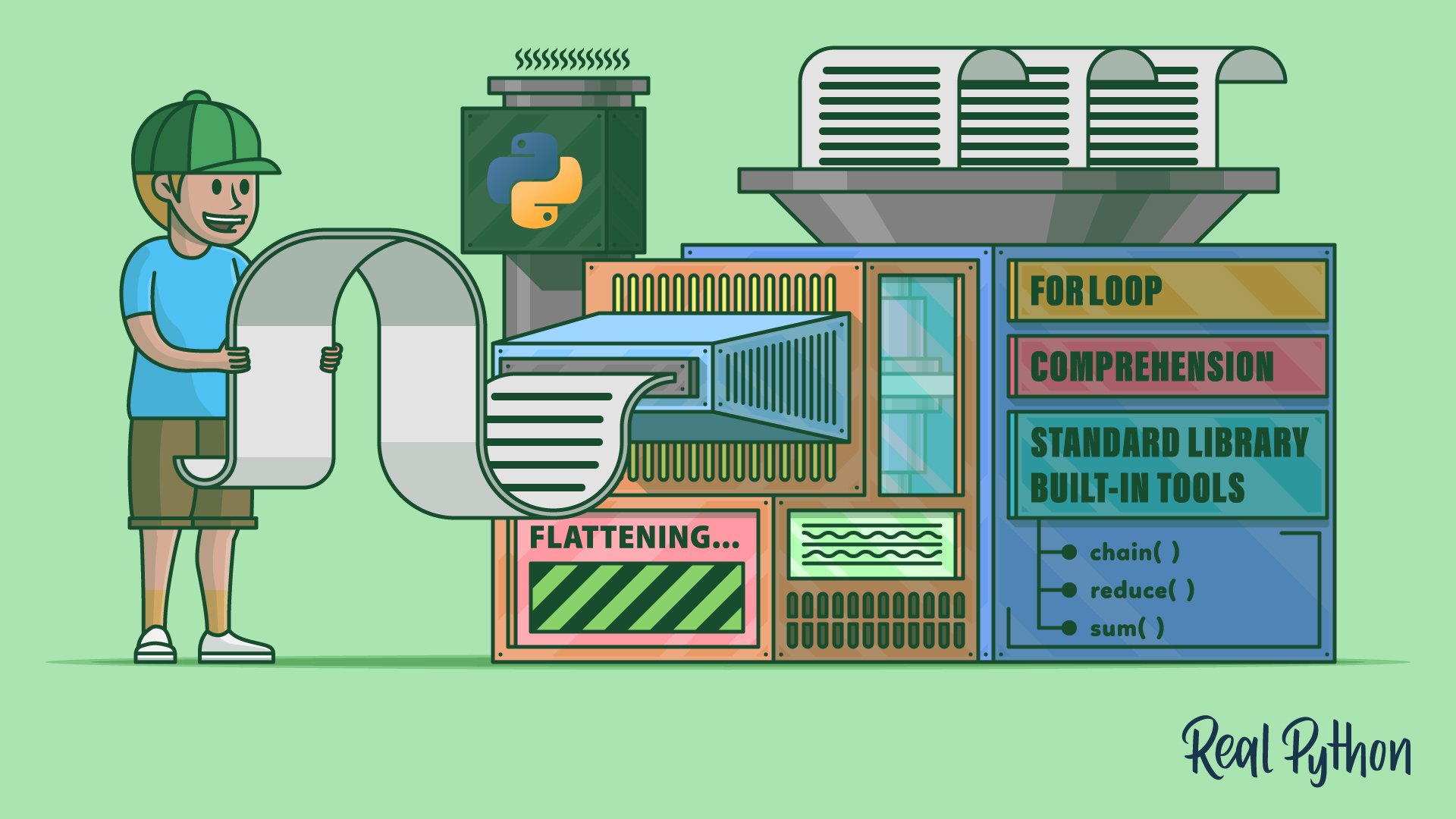
matrix = [
    [9, 3, 8, 3],
    [4, 5, 2, 8],
    [6, 4, 3, 1],
    [1, 0, 4, 5]
]
This matrix has four nested lists (rows), each with four numbers. Your goal is to flatten it into a one‑dimensional list: [9, 3, 8, 3, 4, 5, 2, 8, 6, 4, 3, 1, 1, 0, 4, 5].
Step 2: Flatten Using a for Loop and .extend()
The most straightforward method. Create an empty list, then loop through each sublist and extend your result list with its elements.
- Initialize:
flattened = [] - Loop:
for sublist in matrix: flattened.extend(sublist) - Print or use
flattened.
That's it! .extend() adds every item from the sublist, one by one. You can also use the += operator: flattened += sublist.
Step 3: Flatten Using a List Comprehension
A concise one‑liner. The comprehension iterates over each sublist and then over each element, collecting them into a new list.
flattened = [item for sublist in matrix for item in sublist]This works exactly like the for loop but in a single expression. Performance is similar; choose based on readability.
Step 4: Flatten Using itertools.chain()
Python's itertools module provides chain() to combine multiple iterables. Use the unpacking operator * to pass the sublists.
import itertools
flattened = list(itertools.chain(*matrix))
Alternatively, itertools.chain.from_iterable(matrix) directly accepts the nested list and may be more readable when you already have a list of lists.
Step 5: Flatten Using functools.reduce()
Functional programmers might prefer reduce() with operator.iconcat (or a lambda). This accumulates elements by concatenating lists.
from functools import reduce
import operator
flattened = reduce(operator.iconcat, matrix, [])
Note: iconcat modifies the first argument in place; using [] as the initial value ensures a new list is built.
Step 6: Flatten Arbitrarily Nested Lists with Recursion
When you have lists within lists within lists (more than one level of nesting), the previous methods only flatten one level. For arbitrary depth, write a recursive function.
def flatten_deep(nested):
    result = []
    for item in nested:
        if isinstance(item, list):
            result.extend(flatten_deep(item))
        else:
            result.append(item)
    return result

flattened = flatten_deep([1, [2, [3, 4]], 5])  # => [1, 2, 3, 4, 5]
This is a custom solution, but it's clear and handles any depth. You can also implement it iteratively with a stack for very deep lists where recursion might hit recursion limits.

Step 7: Flatten Using NumPy (for Data Science)
If you're working with numerical arrays, NumPy's .flatten() method is fast and idiomatic.
First, convert the nested list to a NumPy array, then call .flatten():
import numpy as np
array = np.array(matrix)
flattened = array.flatten().tolist()
The result is a one‑dimensional list. If you need a NumPy array instead, omit .tolist().
Tips for Success
- Efficiency: For shallow nesting (one level),
forloops and list comprehensions are generally faster thanreduce()orchain(). Measure with your data if performance matters. - Readability: List comprehensions and
itertools.chain()are concise and widely understood. Use them unless clarity is compromised by complex expressions. - Memory: All methods create a new list. For very large datasets, consider generators (
itertools.chain.from_iterableyields items lazily) if you don't need the entire flattened list in memory. - Arbitrary nesting: Stick with the recursive or iterative custom function when you don't know the depth of nesting.
- NumPy: If you're already using NumPy,
.flatten()is the most efficient for uniform numeric data. Avoid it if you need to keep non‑numeric types or if the input isn't already an array. - Error handling: If your nested list contains non‑list iterables (like tuples), the recursive function above treats them as final items and appends them whole. Adjust the
isinstancecheck if you want to flatten tuples too.
Choose the method that best fits your use case and coding style. All produce the same flattened result—pick the one that makes your code most maintainable.
Related Articles
- Mastering Go Code Modernization with go fix: Your Top Questions Answered
- 5 Key Updates About the Python Insider Blog Migration
- Securing .NET AI Agents: How to Govern MCP Tool Execution with AGT
- Mastering AI Agent Version Control with Cloudflare Artifacts: A Step-by-Step Guide
- Mastering AI Agent Versioning: A Step-by-Step Guide to Cloudflare Artifacts
- 8 Key Updates on the Python Security Response Team You Need to Know
- Exploring Roq: Building High-Performance Static Sites with Quarkus
- 7 Key Insights from Python 3.15.0 Alpha 2 – What Developers Need to Know